
Adobe Photoshop
Adobe Photoshop is the raster graphics editor from Adobe for photo retouching and image editing. Version 2026 27.10 installs as a trial on Windows.
2.4 MB

Lively Wallpaper is a free Windows app by rocksdanister that turns videos, web pages and animations into your desktop wallpaper. This page covers version 2.2.1.0.
Average 0.0 · ratings: 0
Thank you! Your rating is saved; you can change it. Could not save the rating. Please try again later. Too many ratings from your network today. Please try again tomorrow. The average appears after 5 ratings.
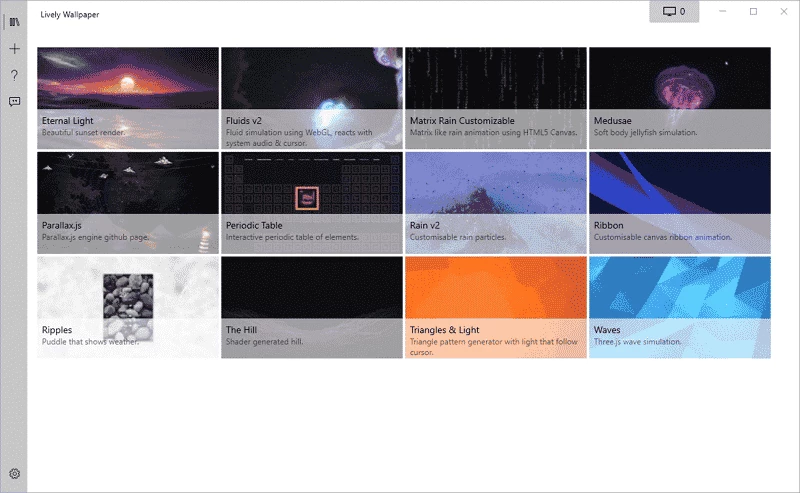
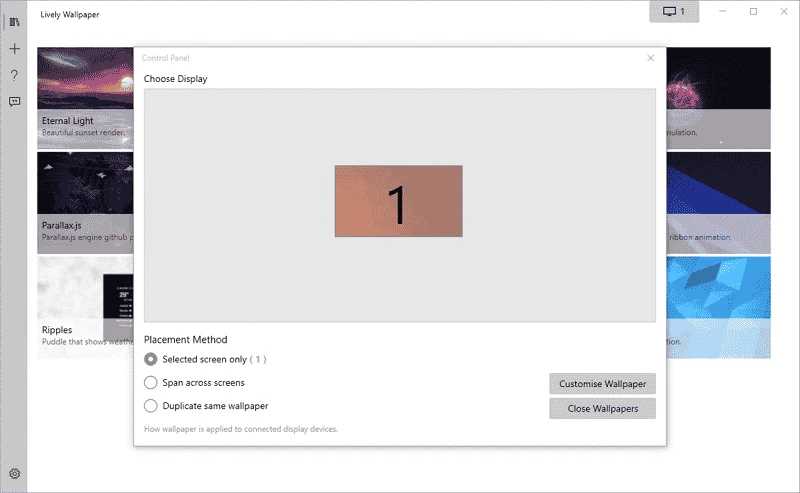
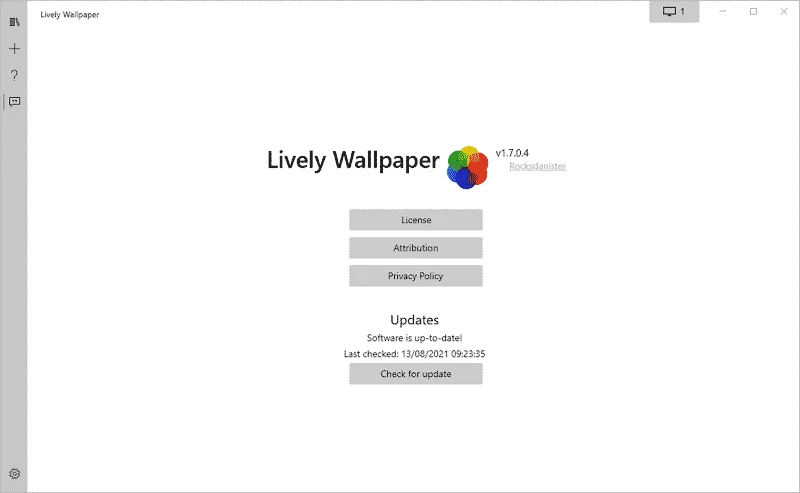
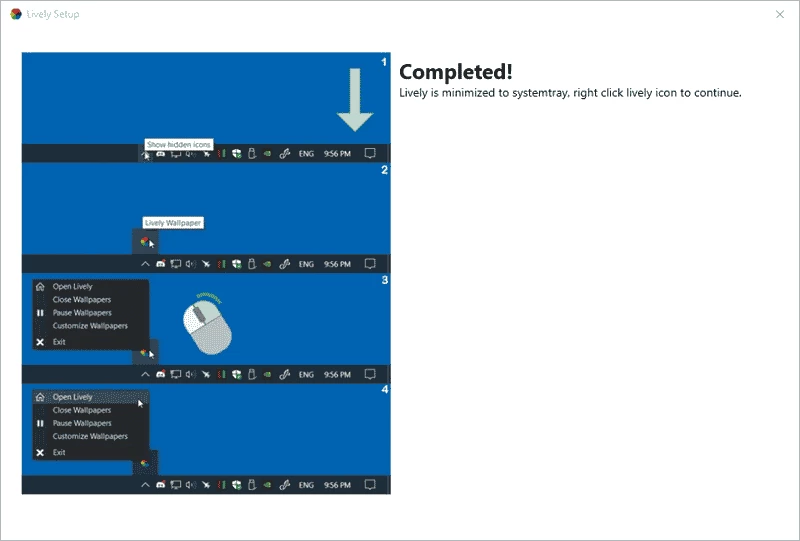
Lively Wallpaper 2.2.1.0 for Windows is a free app by the developer rocksdanister that sets animated and interactive wallpapers on your desktop. You can download it from the official Lively site; this page looks at who will enjoy it and who is better off with a still image.
Windows on its own shows a static picture or a slideshow behind your icons. Lively replaces that with moving backgrounds: a looping video, an animated scene, a web page or an interactive effect that reacts to the mouse. You pick a wallpaper from the built-in library or add your own file, and Lively places it on the desktop and keeps it running quietly in the background. The settings let you decide how much the wallpaper may move and when it should rest, so the desktop stays pleasant without getting in the way of work. It is a personal project by an independent developer, which is part of its charm: no ads, no account and a steady stream of updates listed in the public changelog.
If you work on an older laptop, on battery most of the day, or you simply want every bit of performance for heavy work, a moving wallpaper is a luxury you can skip. The same applies to shared or managed office PCs where installing extra software is not allowed.
The installer is about 207.96 MB according to catalogue data. Video wallpapers use the graphics card and some memory, so on modest hardware prefer lighter scenes and check the performance options in the settings.
The app from the official site is safe. Be careful with wallpaper files and web-based scenes from unknown sources, since a web wallpaper is effectively a small website running on your desktop.
From the imaging category in our listings, Photo Image Viewer and Paint help you prepare still images for a classic wallpaper. What is new in each Lively release is listed in the official changelog.
Adobe Photoshop is the raster graphics editor from Adobe for photo retouching and image editing. Version 2026 27.10 installs as a trial on Windows.

Adobe Illustrator Online refers to using Adobe's vector design tool through the browser and Adobe's web services, with an Adobe account and plan.

Adobe Illustrator is Adobe's vector graphics editor for logos, illustrations and print design. This page covers Illustrator CC 2026, version 30.8, for Windows.

PicWish is an AI photo editing app for Windows that removes backgrounds, cleans up images and prepares product photos with a few clicks.

PixelLab is an Android app from App Holdings for adding text, stickers and effects to photos; on a Windows PC it runs through an Android emulator.

Adobe Photoshop CS6 is an older perpetual-licence version of Adobe's image editor for Windows; Adobe no longer sells or updates it, and today's Photoshop is subscription-based.